AWS Keycloak Lab - Part 1
Introduction
Why build this?
After completing my AWS Solutions Architect - Associate (SAA) certification, I needed to transition from theoretical knowledge to demonstrable, practical experience. My professional interests- systems administration, security engineering, and cloud architecture- mandated a project that involved more than just deploying a boilerpalte stack, like the ones often seen in the Cloud Resume Challenge.
The IdP Trade-off
My initial thought was to use a managed service like Okta and hook it up directly to IAM Identity Center. This was the low-friction path: an easy win that would have allowed me to dive immediately into configuring and maintaining AWS security products with test workloads (WAF, GuardDuty, advanced logging, etc.).
However, I wanted more hands-on infrastructure work to start, and the external registration requirements for Okta’s Integrator Plan were a convenient roadblock. You can’t use personal Gmail, Proton Mail, or SimpleLogin addresses. I could have registered a domain and applied a vanity email. I was too curious and eager to learn, though. My initial impulse for an “easy win” quickly turned into a much bigger, more interesting technical challenge. I decided to build one using Keycloak as the Identity Provider. This decision immediately elevated the project complexity, pushing me to solve for database persistence, secrets management, error detection, race conditions, containerization and the initial secure multi-account AWS foundation you’ll read about below. My current setup isn’t exactly production-grade, but I view it as a robust “secure toybox”: a strong architectural concept built from the ground up.
Establishing the Multi-Account Governance Perimeter
Account Creation and Structure
The first step in any professional cloud deployment is defining a robust organizational structure. This multi-account strategy ensures the separation of duties, security, and financial management. I’ve personally handled clients with AWS instances still actively using root accounts and IAM users (no IAM Identity Center configured!) as well as all developers working out of a single AWS account(!)
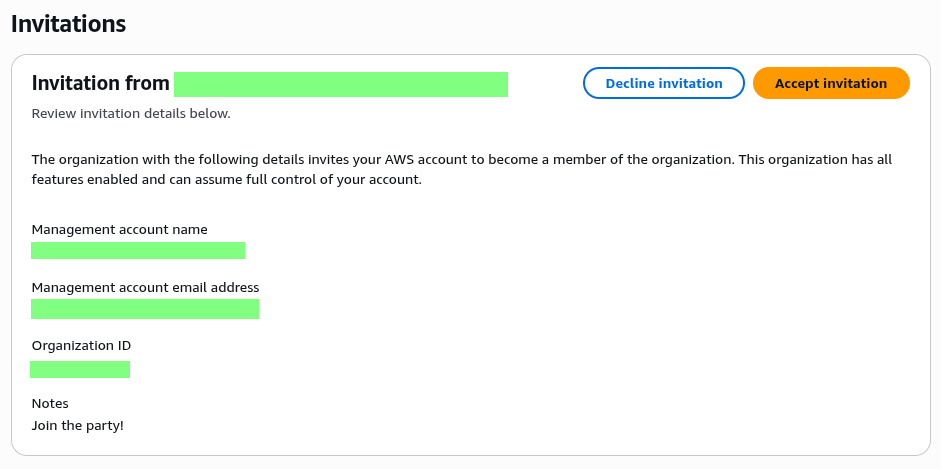
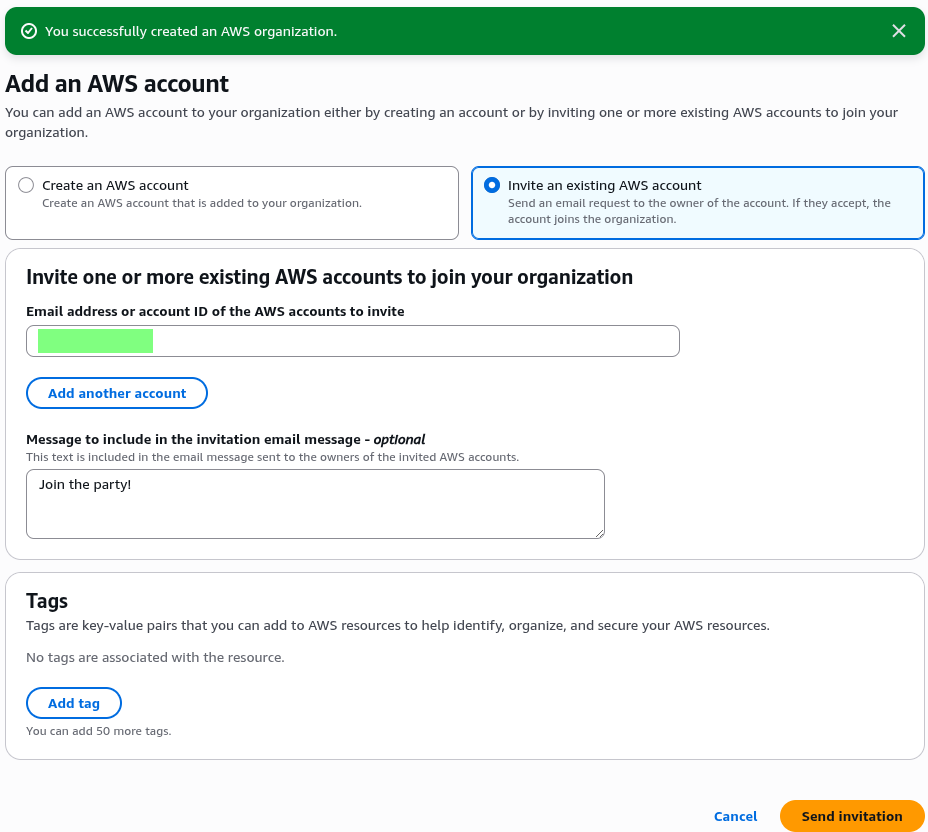
I established a simple, two-account architecture enforced by the AWS Organization root:
Management Account: Dedicated exclusively to organizational services (Billing, Organizational Unit configuration, and the root of IAM Identity Center). No application workloads reside here.
Development Account: The secure workspace for all application infrastructure, including the Keycloak deployment.
Centralized Identity with IAM Identity Center (SSO) at the Root
IAM Identity Center (SSO) was deployed at the Organization root to serve as the single source of truth for all authentication, eliminating the need to manage distributed IAM users.
Dedicated Administrative Roles: To enforce the Principle of Least Privilege (PoLP), I created two distinct administrative groups and assigned them specific access permissions to their respective accounts:
AdministratorsManagement: Assigned the
AdministratorsAccesspermission set to handle governance tasks (e.g., configuring CloudTrail, managing billing) within the Management Account.AdministratorsDevelopment: Assigned the
AdministratorAccesspermission set, strictly scoped to manage and deploy resources (VPC, EC2, IAM) within the Development Account.
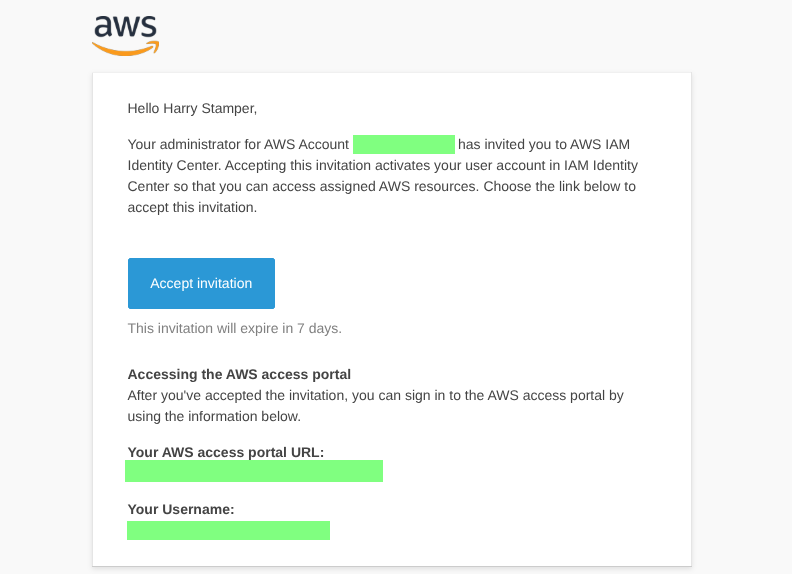
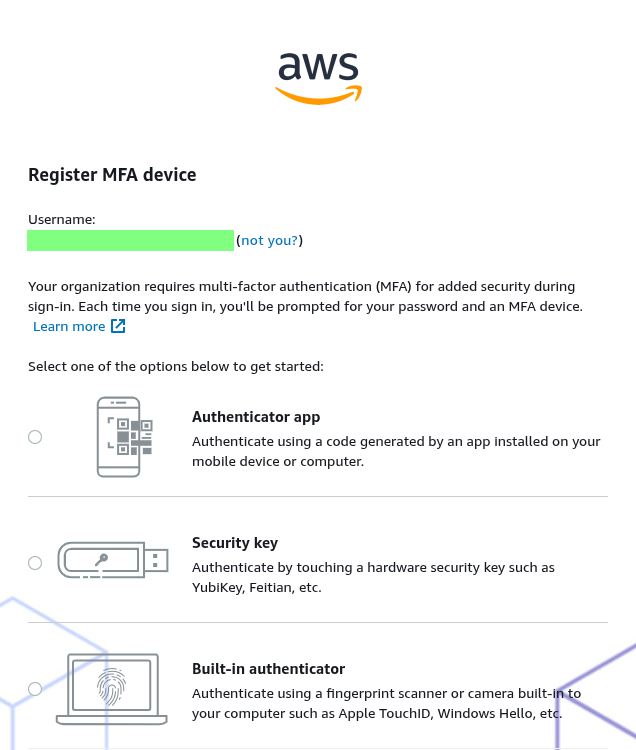
Access Enforcement: All administrative users were provisioned through the Identity Center and mapped to these dedicated groups. All original Root and initial IAM admin accounts were logged out of, meaning all operational access is now strictly funneled through the IAM Identity Center. Fresh credentials were stamped and MFA devices registered.
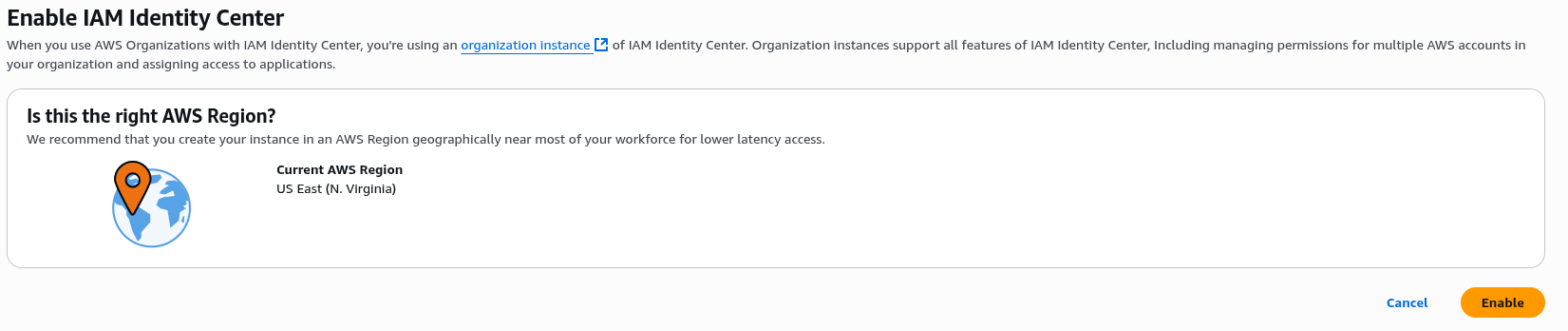
Note: I observed the expected delay in permission propagation, requiring a session refresh.
Security, Audit, and Governance
With the identity structure secured, the focus shifted to financial and security governance.
Organizational CloudTrail: I implemented a single Organizational Trail configured from the Management Account. This trail centralizes all management events (API activity) from both the Management and Development accounts into one S3 log bucket.
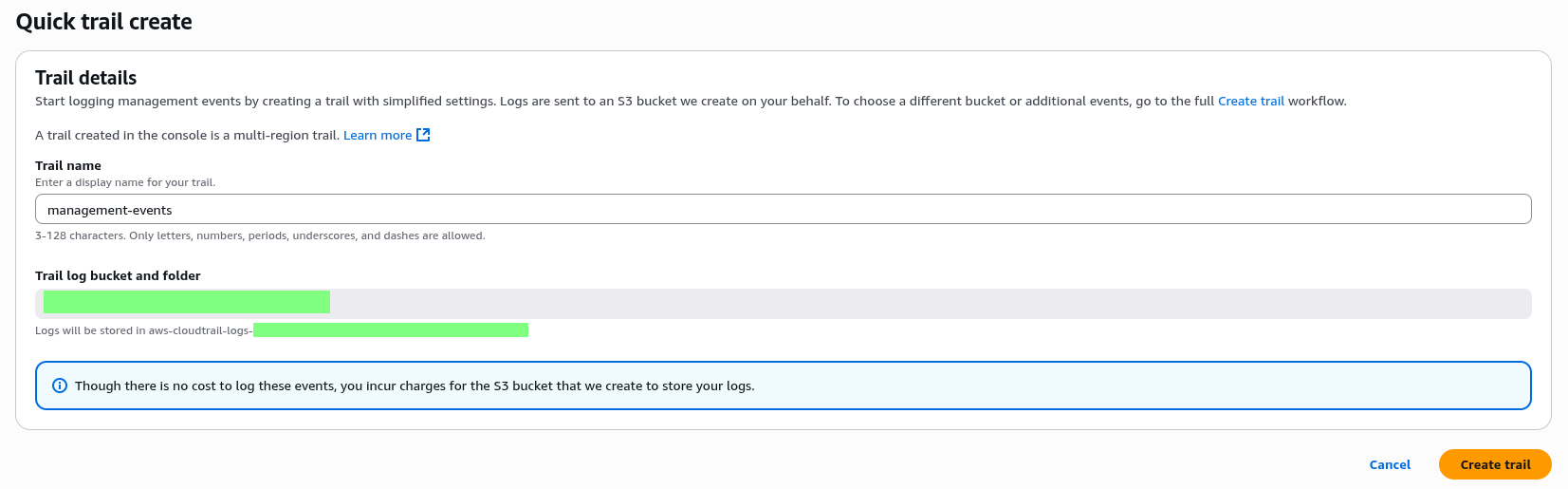
Correction Note: An initial setup with separate trails was abandoned for this consolidated organizational approach, as centralization is an architectural necessity for effective auditing.
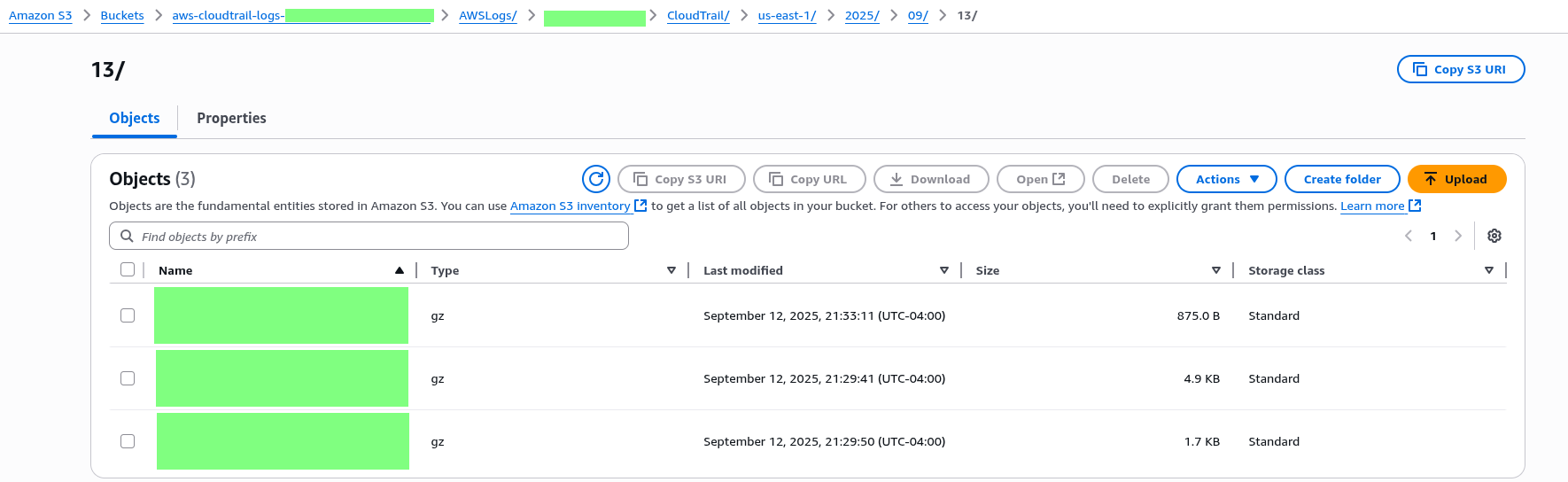
Cost Caveat: While the logging of events is complimentary, storage charges apply for the dedicated S3 bucket holding the log files.
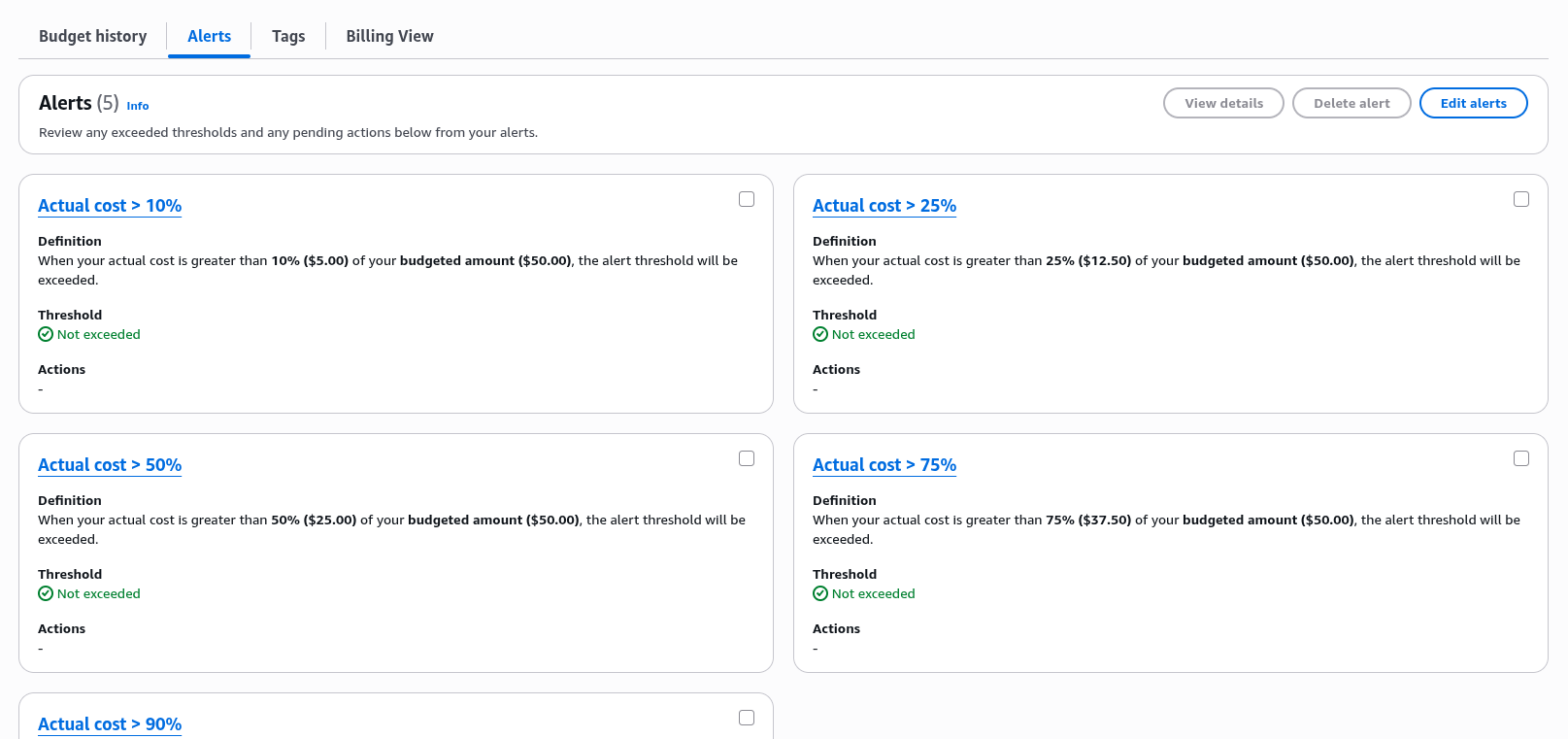
Cost Governance: To maintain responsible resource consumption, granular budget alerts were configured on the Development Account:
My Zero-Spend Budget: I was thinking back to my AWS courses from Adrian Cantrill and Stephane Maarek. Not exactly useful, considering that the AWS Free Tier has changed considerably in the last few months. Expect to give Jeffrey some of your hard-earned cash unless you have stolen identities lying around or a bunch of virtual phone numbers.
My Monthly Cost Budget ($50): Functions as the maximum or upper project spend limit. I added more granular alerts, but didn’t expect to go over about $20 for my initial efforts.

Next Steps
This concludes the foundational setup phase. The environment is secured, financially contained, and ready for infrastructure definition after conducting additional research.
The subsequent post will transition entirely to Infrastructure as Code (IaC) using Terraform. Before settling on the initial architecture, significant research was conducted into critical components like secrets management with SSM Parameter Store and KMS, domain and certificate provisioning with Route 53 and Certbot, and the necessary EC2 user data for Keycloak containerization. We will begin the deep technical review of this Terraform code and end with my initial Single Point of Failure (SPOF) architecture that will serve as our launchpad for future High Availability (HA) refactoring.