TryHackMe - Benign

Today, we will be exploring TryHackMe’s Benign room. This challenge is marked as medium difficulty and involves a short investigation using Splunk. The process is fairly straightforward. This write-up has been sanitized per TryHackMe’s guidelines on answers, flags, and hashes.
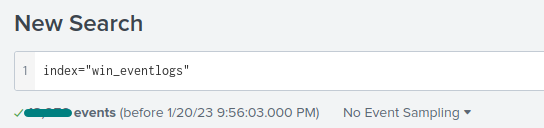
Throughout this challenge, make sure that you are using the correct index:
index="win_eventlogs".
Questions
Q1: How many logs are ingested from the month of March?
All we have to do is specify the index.
Upon firing up our Splunk instance for the first time, we might be tempted to enter the search query and just hit enter. However, we have to be a little more specific, since Splunk will default to showing results from the last 24 hours.
March is the only month in this dataset and the answer is clearly displayed in bold under the search box.
Q2: Imposter Alert: There seems to be an imposter account observed in the logs, what is the name of that user?
While completing any of these challenges, I like to manually review every field in the “Interesting Fields” pane. Usually, bigger indexes have hundreds or more fields to explore. For this challenge, we have relatively few fields to parse through. The HostName and UserName fields always seem to be a good place to check in these rooms.
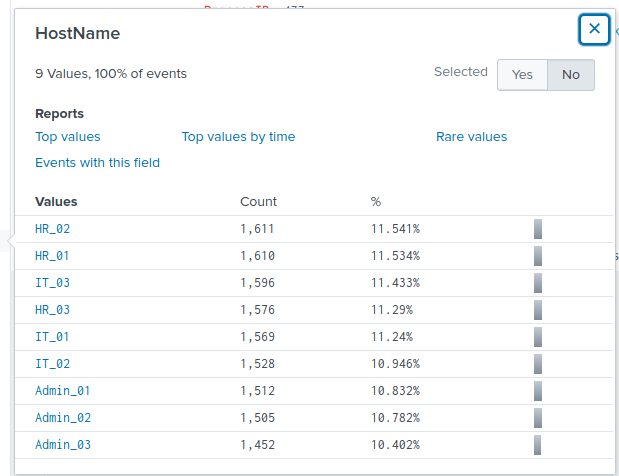
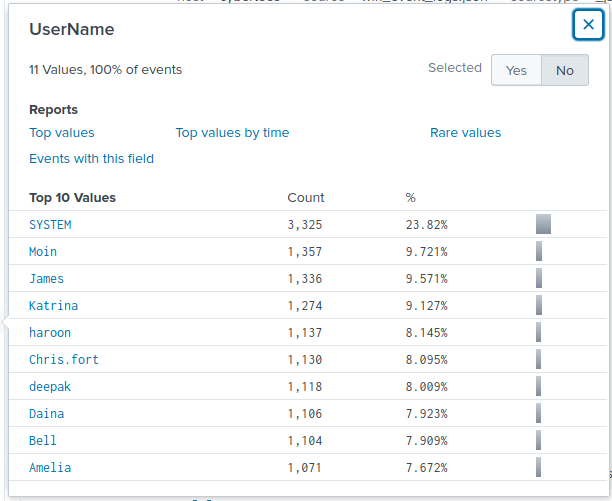
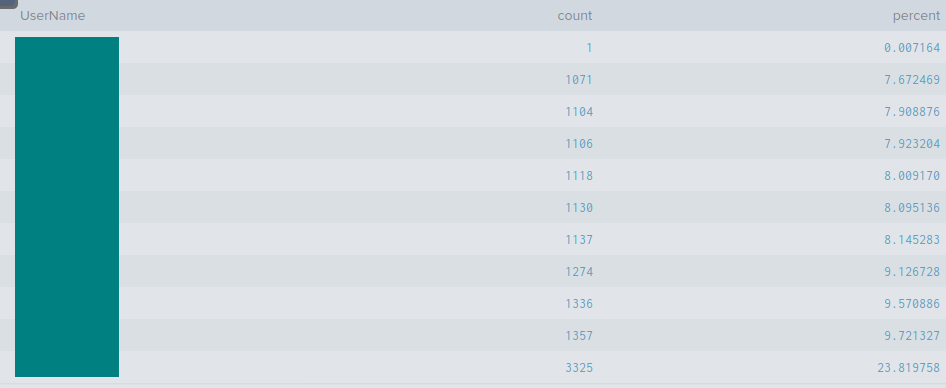
From here, I wanted to see if there were any strange or unusual usernames. Clicking on the Rare values report brings us to a new page featuring data in a visualization and table format. The search bar automatically populates with the following query: index="win_eventlogs" | rare limit=20 UserName. We can clearly see that the suspicious user is using character substitution to mimic the presence of another user in this demo enterprise environment.
Q3: Which user from the HR department was observed to be running scheduled tasks?
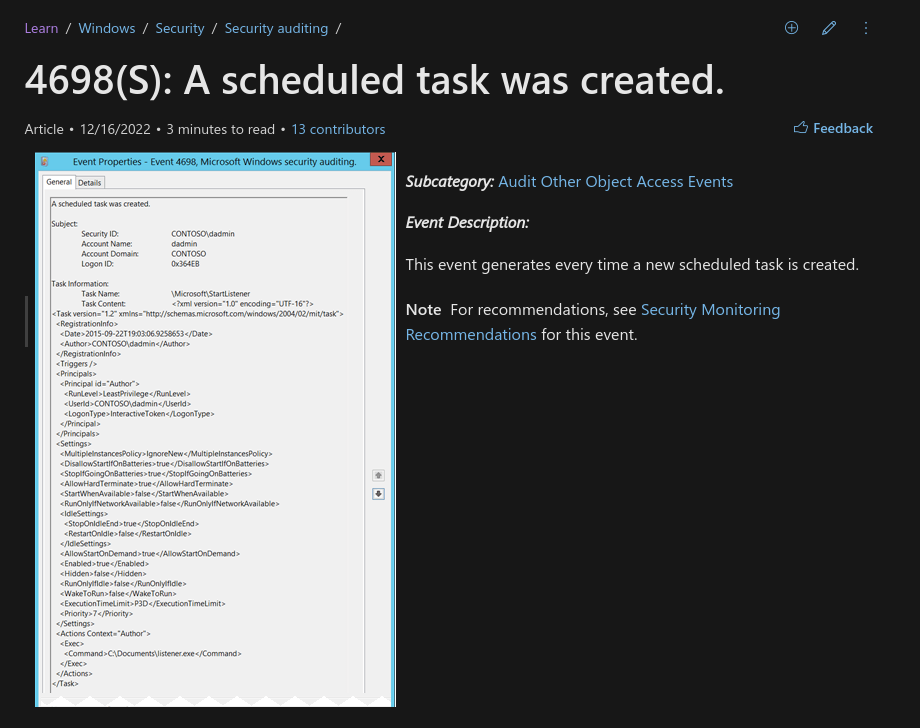
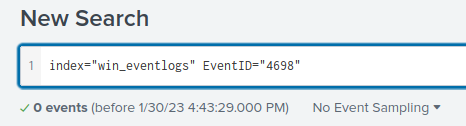
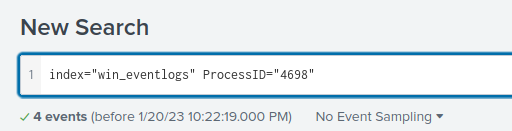
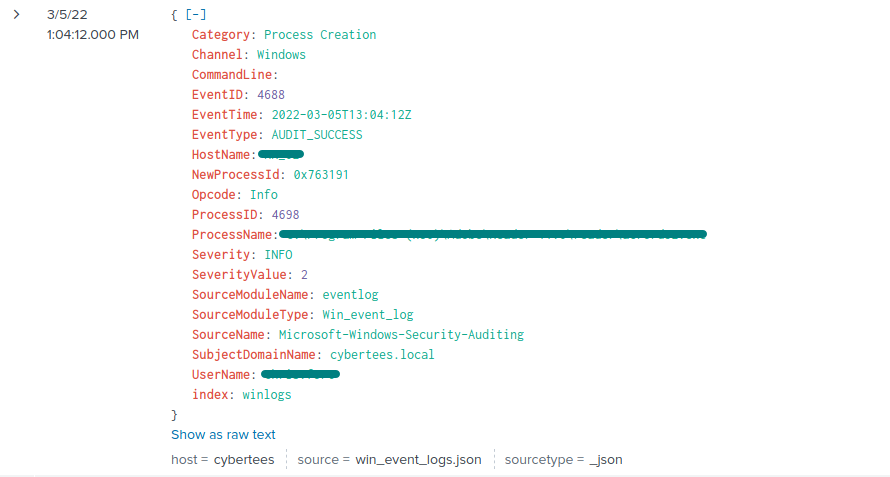
To begin, I initially tried searching by rare values, but this did not work as there were too many unique values. I then used index="win_eventlogs" | top limit=100 ProcessName to accommodate all possible ProcessName results. Nothing stood out as blatant malware. Next, I focused on Windows Event IDs related to scheduled tasks. Microsoft’s documentation shows that Event ID 4698 corresponds to scheduled task creation. Running index="win_eventlogs" ProcessID="4698" and filtering for HR_* hostnames revealed the relevant user.
In Splunk, the Boolean operator
ANDis always present between search terms.
Q4: Which user from the HR department executed a system process (LOLBIN) to download a payload from a file-sharing host?
This question was more challenging because it involved extensive scrolling. I initially narrowed down my selection to the HR department using the following query: index="win_eventlogs" HostName="HR_*". After several minutes of scrolling, I realized this approach was inefficient, so I changed tactics. I did some reading on potentially involved tools using the MITRE ATT&CK Framework and the LOLBAS page to get a better idea of what to look for.
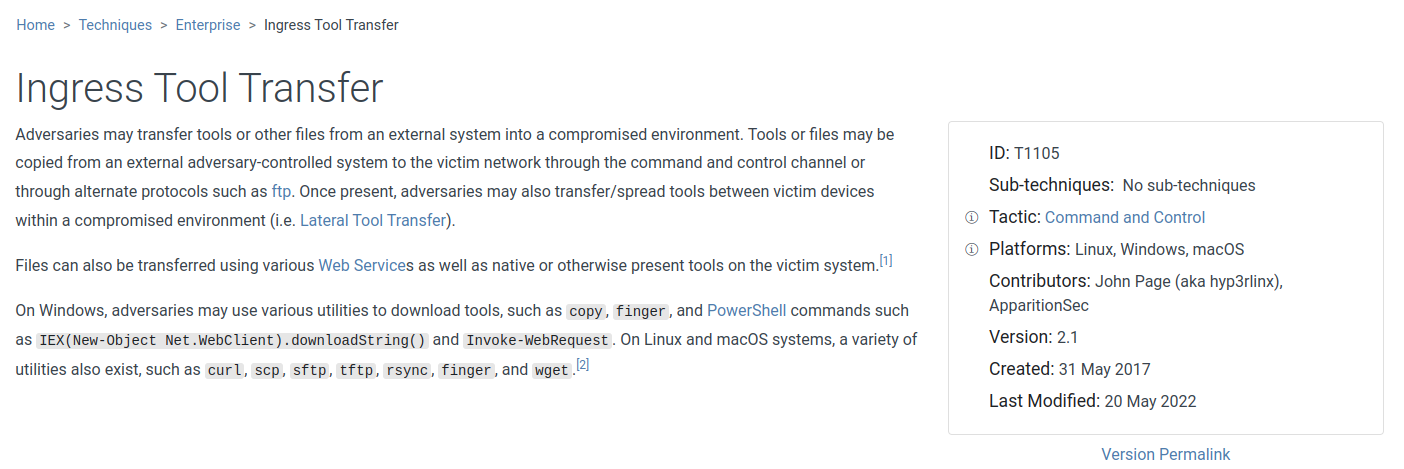
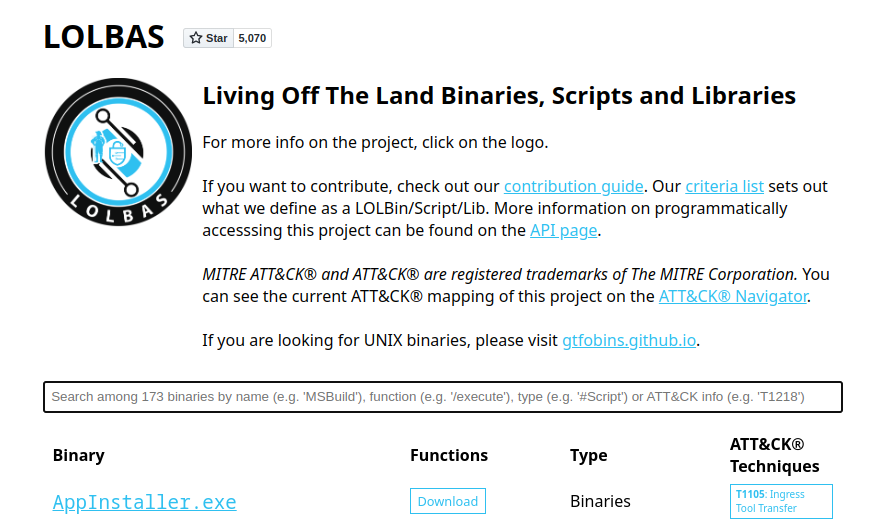
It then occurred to me that the command line must have been involved. I refined the search with index="win_eventlogs" HostName="HR_*" CommandLine="*.exe". This query revealed the log entry containing all the information needed to complete this question.
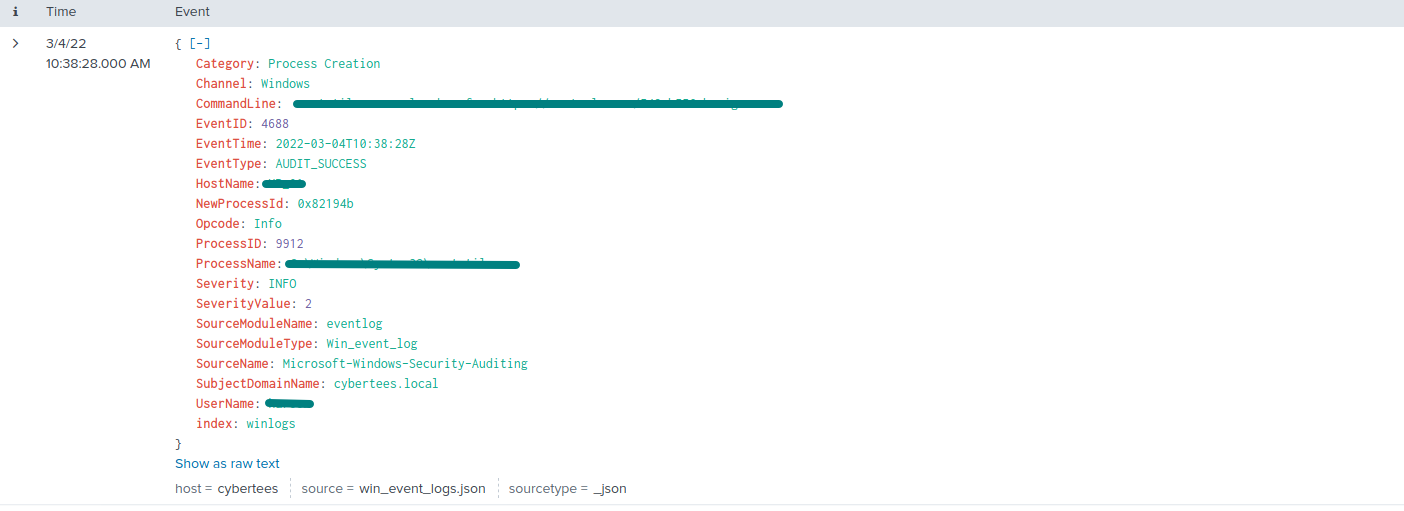
Q5: To bypass the security controls, which system process (lolbin) was used to download a payload from the internet?
Answer found from Q4’s process.
Q6: What was the date that this binary was executed by the infected host? format (YYYY-MM-DD)
Answer found from Q4’s process.
Q7: Which third-party site was accessed to download the malicious payload?
Answer found from Q4’s process.
Q8: What is the name of the file that was saved on the host machine from the C2 server during the post-exploitation phase?
Answer found from Q4’s process.
Q9: The suspicious file downloaded from the C2 server contained malicious content with the pattern THM{……….}; what is that pattern?
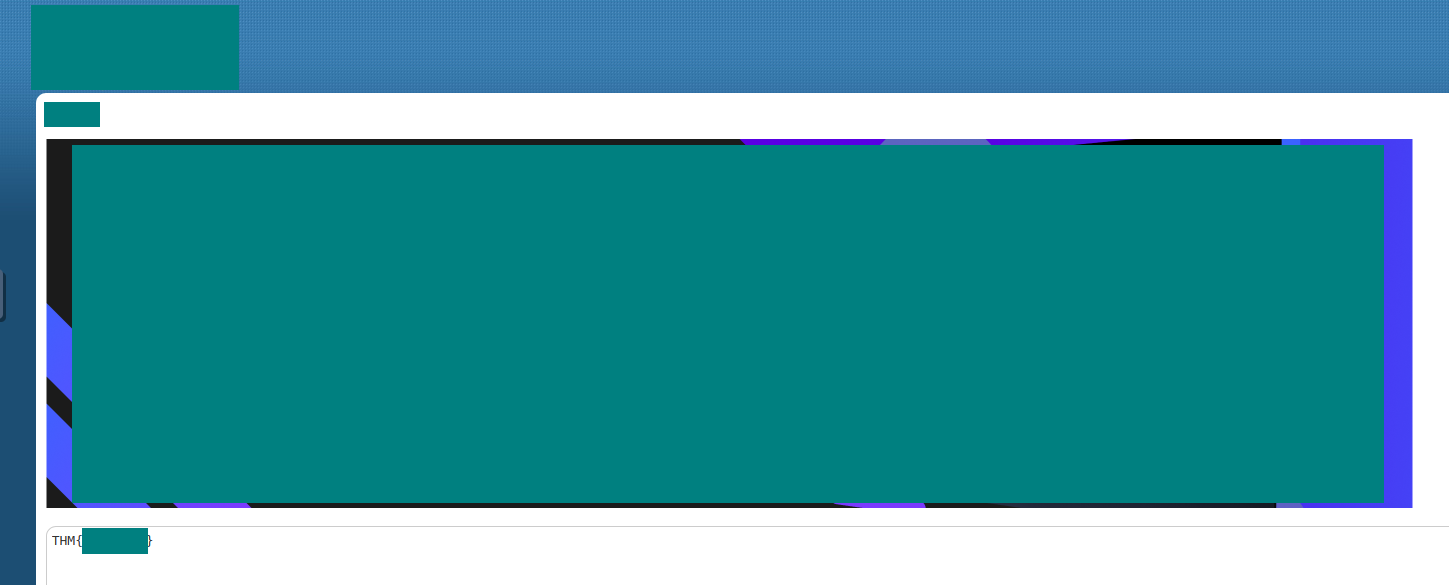
I hesitated at first in navigating to the “C2 server,” which was a generic pastebin site. The day before, I had completed another investigation involving defanged URLs in CyberChef, so I double-checked before proceeding.
After opening the page, I quickly located the suspicious file. The THM flag was clearly visible in the content, providing the answer for this question.
Q10: What is the URL that the infected host connected to?
Answer found from Q9’s process.
Conclusion
This walkthrough highlights practical techniques for investigating suspicious activity in enterprise environments. By using Splunk to examine logs, identifying anomalies like imposters and unusual scheduled tasks, and tracing payloads with LOLBINS, I demonstrated a structured, methodical approach to threat detection and incident investigation. Applying frameworks like MITRE ATT&CK and LOLBAS reinforced how analysts can systematically uncover malicious behavior and understand attack patterns.
The exercise also underscores the importance of clear, reproducible reporting. Documenting each step shows how findings can be communicated effectively within a security team, which is critical for real-world SOC operations. Blue-team write-ups like this provide valuable insights for both the community and potential employers, showcasing the ability to combine technical skill with analytical rigor and actionable results.