TryHackMe - Monday Monitor
This room, Monday Monitor, simulates an incident investigation where the attacker establishes access, persistence, and moves toward credential theft and data exfiltration. I worked through each question systematically, treating it less like a quiz and more like a professional forensic exercise even if it’s meant to be an easier room.
Questions
Question 1: Initial access was established using a downloaded file. What is the file name saved on the host?
When working on any investigation, whether simulated or real, I make it a priority to extract as much value as possible from command-line and network-related fields captured in the SIEM. These are often the quickest indicators of potentially malicious activity, especially when pivoting isn’t possible and visibility is restricted to log data.
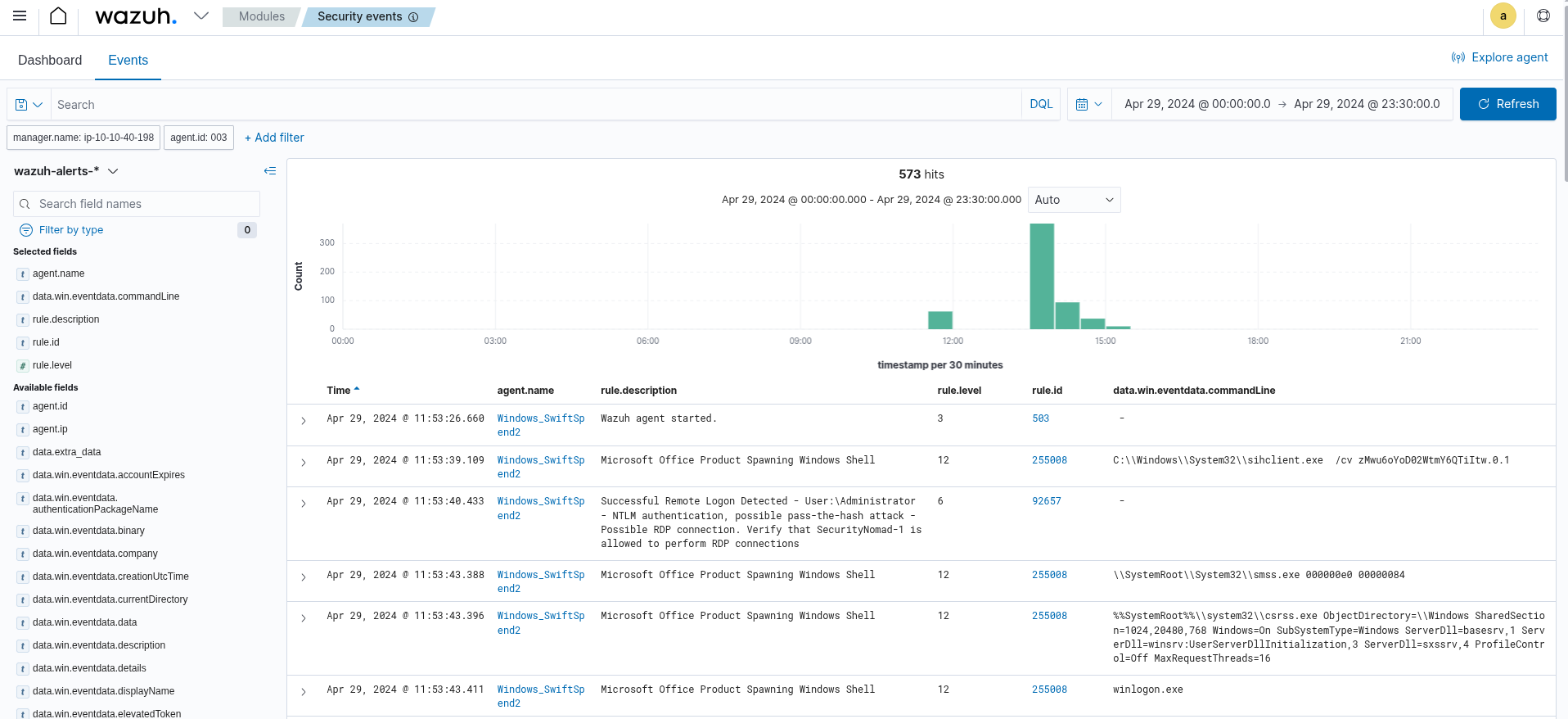
In this case, I first had to filter out normal system noise. Common events included routine updates (such as Google Chrome automatically patching), Aurora (EDR) and Wazuh (our logging service) starting and stopping, as well as the usual list of Windows system activity. These helped establish a baseline of normal operational behavior, which is important before flagging anomalies.
While reviewing process creation events within Wazuh, a particular PowerShell command stood out. At first glance, it resembled a typical use of Invoke-WebRequest, but a closer look revealed it was fetching a file from a local web server and writing it to the system’s %TEMP% directory under a new name. From a detection standpoint, this is significant: writing executable or macro-enabled files into a temporary directory is a common tactic used to introduce malicious payloads onto a host.
In this instance, the command suggested that a user had been tricked into retrieving what appeared to be a financial document. While the filename looked legitimate, its method of delivery and execution was suspicious enough to indicate simulated phishing activity.
Question 2: What is the full command run to create a scheduled task?
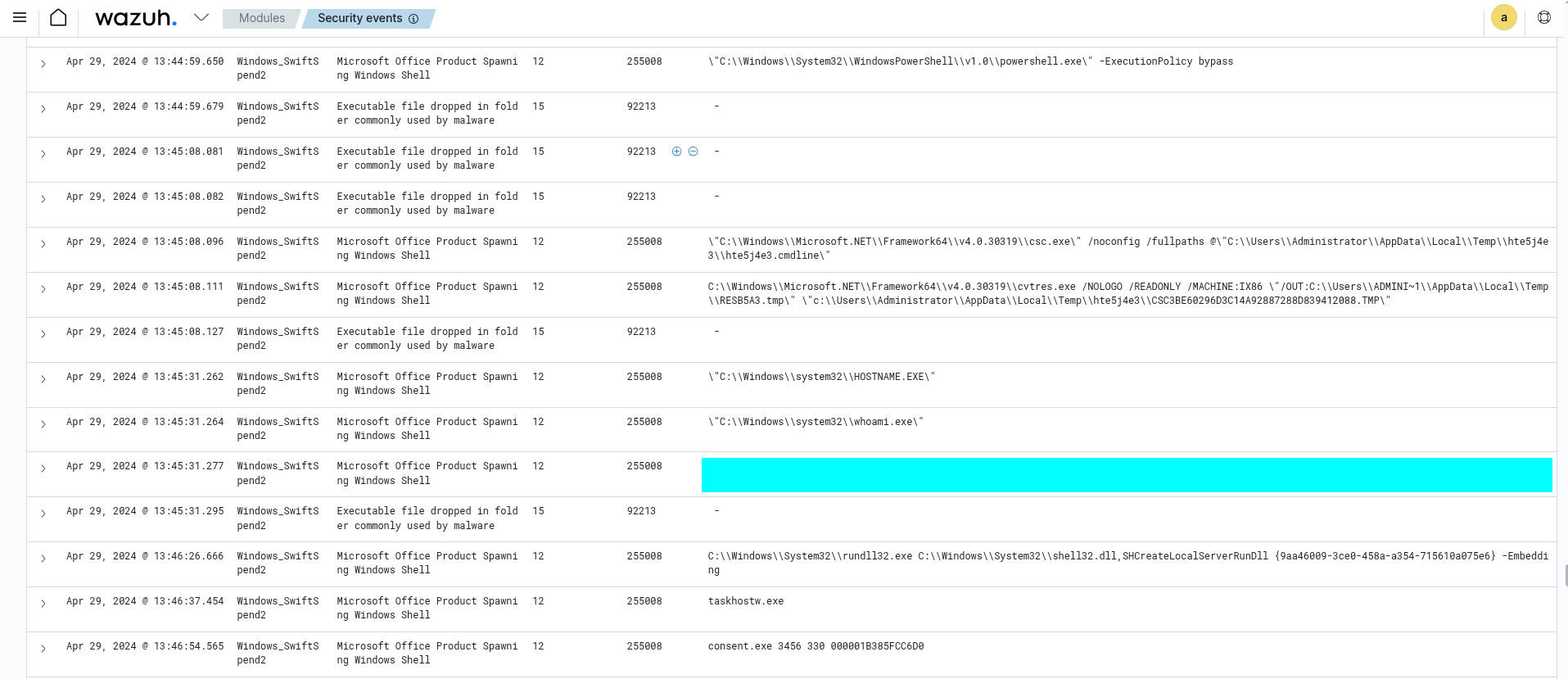
Looking through scheduled task creation events, I noticed a task being registered with multiple flags and parameters. The command line itself was verbose, but the key indicators were the combination of registry writes and task scheduling, which together suggested persistence via automation. Seeing /sc with a value of daily was also a giveaway.

Question 3: What time is the scheduled task meant to run?
The execution time was specified directly above.
Question 4: What was encoded?
The encoded string was specified directly above.
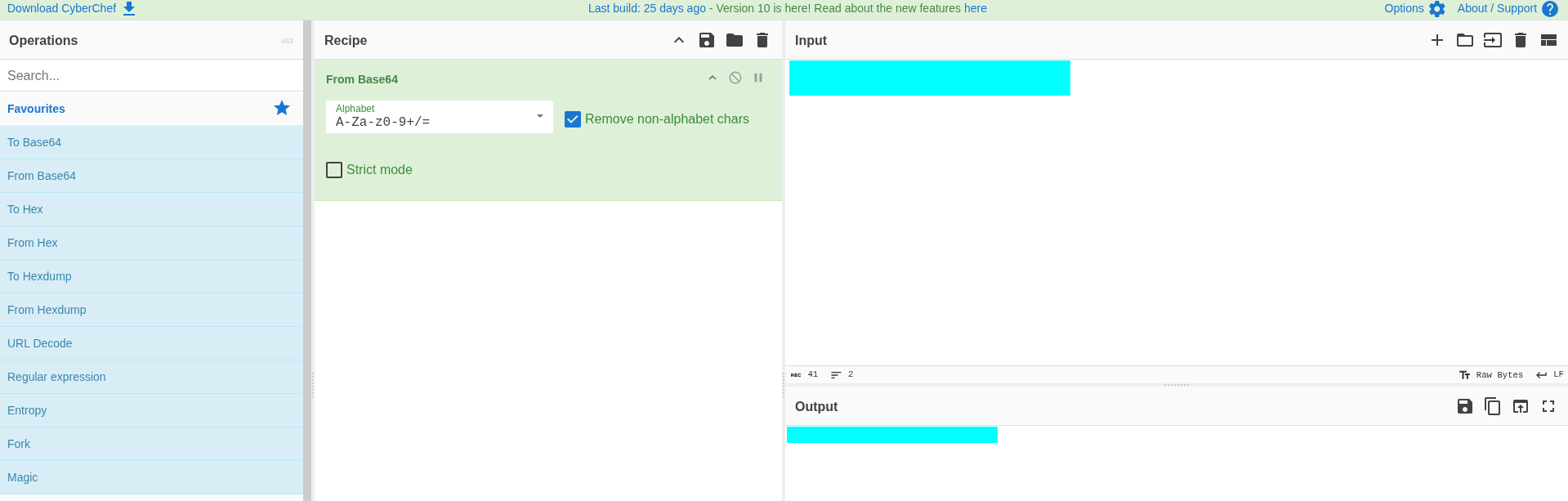
I used CyberChef here for decoding, but you can use
base64on a Linux system as well.
Question 5: What password was set for the new user account?
This isn’t exactly a “new” account, as it’s a built-in account on Windows systems and usually disabled, like the Administrator account. I initially missed the simpler activity and jumped straight to what stood out more loudly in the logs: LSASS credential dumping. I saw invocations of credential access tooling and even the new user being added to the Administrators group. Only later, while retracing earlier process events, I noticed that the activated guest account had its password changed using net.exe.

Question 6: What is the name of the .exe that was used to dump credentials?
When investigating credential access activity, one of the clearer red flags came from process creation events tied to LSASS. In particular, I noticed the execution of particular Atomic Red Team tools.
This sequence essentially performs two critical steps: first, dumping the LSASS process memory into a temporary directory, and second, extracting logon credentials and even attempting a pass-the-hash operation. From a monitoring standpoint, seeing lsass.DMP being created alongside tooling like memotech.exe is a textbook indication of credential dumping. It’s notable how the commands mimic a Mimikatz workflow, but wrapped within an Atomic Red Team binary, which makes sense for a lab environment.

Question 7: Data was exfiltrated from the host. What was the flag that was part of the data?
Later in the exercise, the activity shifted from credential dumping to data exfiltration. A PowerShell process stood out, as it contained a script block defining an $apiKey, constructing $content with sensitive terms like secrets, credentials, and flags, and then posting that data
This script is effectively packaging data and transmitting it to a public paste service. From an investigation perspective, it illustrates how attackers can use legitimate cloud services as exfiltration channels.

Conclusion
Across the investigation, each stage reflected a progression commonly seen in real incidents: initial delivery through a malicious file, privilege escalation via account changes, credential dumping from LSASS, and finally data exfiltration through a public service. While the lab environment relied on Atomic Red Team tooling, the behaviors align closely with tactics adversaries employ in practice.